
Drugs@FDA Search Guide
What Do You Need to Find?
Select what you're looking for, and we'll guide you to the best search method in Drugs@FDA
Want to find out when a drug was approved by the FDA? Or need the official prescribing label, patient information, or review documents from the agency? You don’t need to call them. You don’t need to file a Freedom of Information Act request. All of that information is free, public, and searchable right now - through the Drugs@FDA database.
Launched as part of the FDA’s push for transparency, Drugs@FDA is the go-to source for official, up-to-date regulatory records on human drugs approved in the U.S. since 1939. It’s used daily by pharmacists, doctors, researchers, and even patients who want to verify what’s in their medication and how it got approved. The database gets updated every single day. That means if a new drug hits the market this week, you’ll see it in the system by next.
What You Can Find in Drugs@FDA
Drugs@FDA doesn’t just give you the drug name and approval date. It gives you the full regulatory story. For drugs approved since 1998, you can download:
- The full prescribing information (the official drug label)
- Patient Medication Guides
- Approval letters from the FDA
- Review reports written by FDA scientists and doctors
- Correspondence between the FDA and the drug company
Even for older drugs approved before 1998, you’ll still get the basics: approval date, active ingredient, manufacturer, and brand names. It’s not as deep, but it’s still official.
Think of it like a drug’s public file. If you’re trying to understand why a drug has a boxed warning, or if a generic version was approved, or whether a brand-name drug was ever withdrawn - this is where you start.
How to Search: Three Ways to Find a Drug
The homepage of Drugs@FDA has one big search box. That’s the easiest way. But if you don’t get the results you expect, it’s probably because you’re using the wrong search method. Here are the three real ways to search - and when to use each one.
1. Search by Drug Name (Brand or Generic)
Just type the name into the search box. You can use the brand name - like Zoloft - or the generic name - sertraline. The system will return all matching products, including combination drugs and different strengths.
For example, if you search for lisinopril, you’ll see not just the standalone version, but also combination drugs like Zestoretic (lisinopril + hydrochlorothiazide). That’s the power of the main search box. It’s smart and broad.
2. Search by Active Ingredient
If you’re looking for all drugs that contain a specific ingredient - say, metformin - use the main search box again. Type in the ingredient name. The database will pull up every approved product that includes it, whether it’s a single-ingredient tablet or part of a combo pill.
This is especially useful for researchers comparing generic versions or checking for interactions across multiple drugs.
3. Search by Application Number
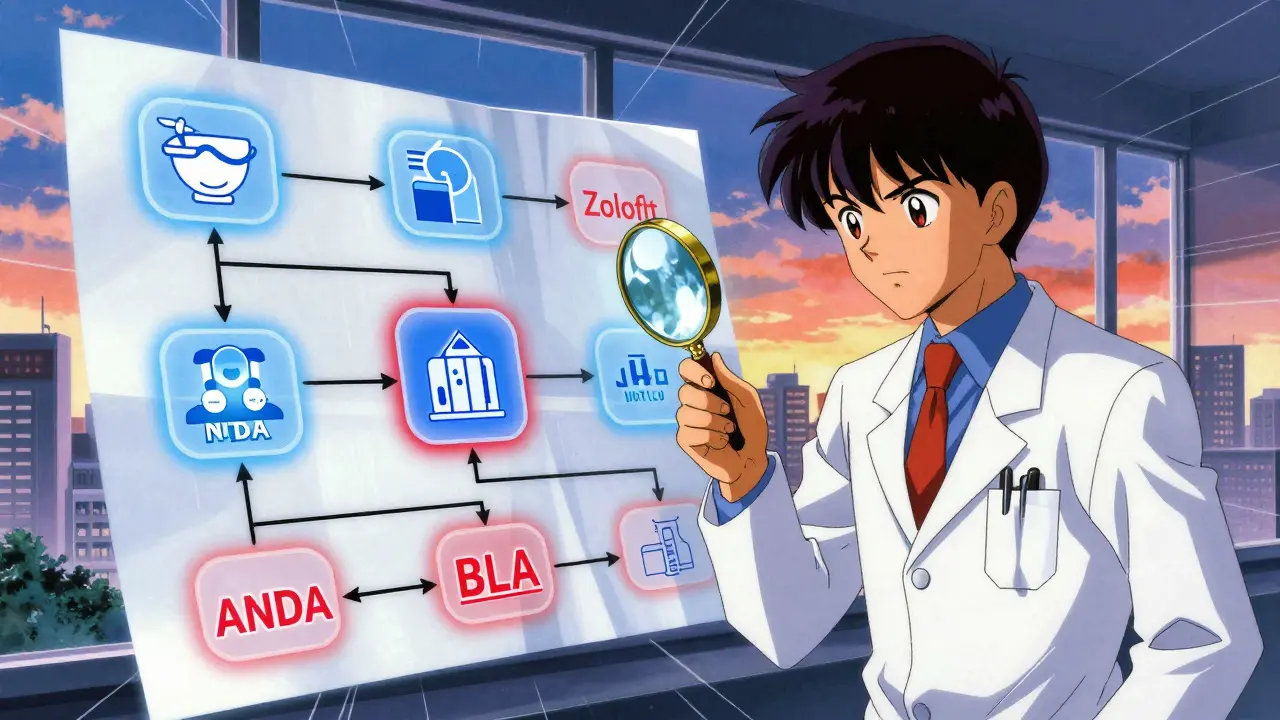
If you know the NDA, ANDA, or BLA number (these are the FDA’s official application IDs), you can search directly by number. For example, NDA 020858 is for Lyrica (pregabalin). This is the most precise method - no ambiguity, no extra results.
Where do you find these numbers? They’re listed on the FDA’s approval documents, or sometimes on the drug manufacturer’s website. If you’re working with a pharmacist or researcher, they’ll often have the application number handy.
What NOT to Do: The A-Z Search Trap
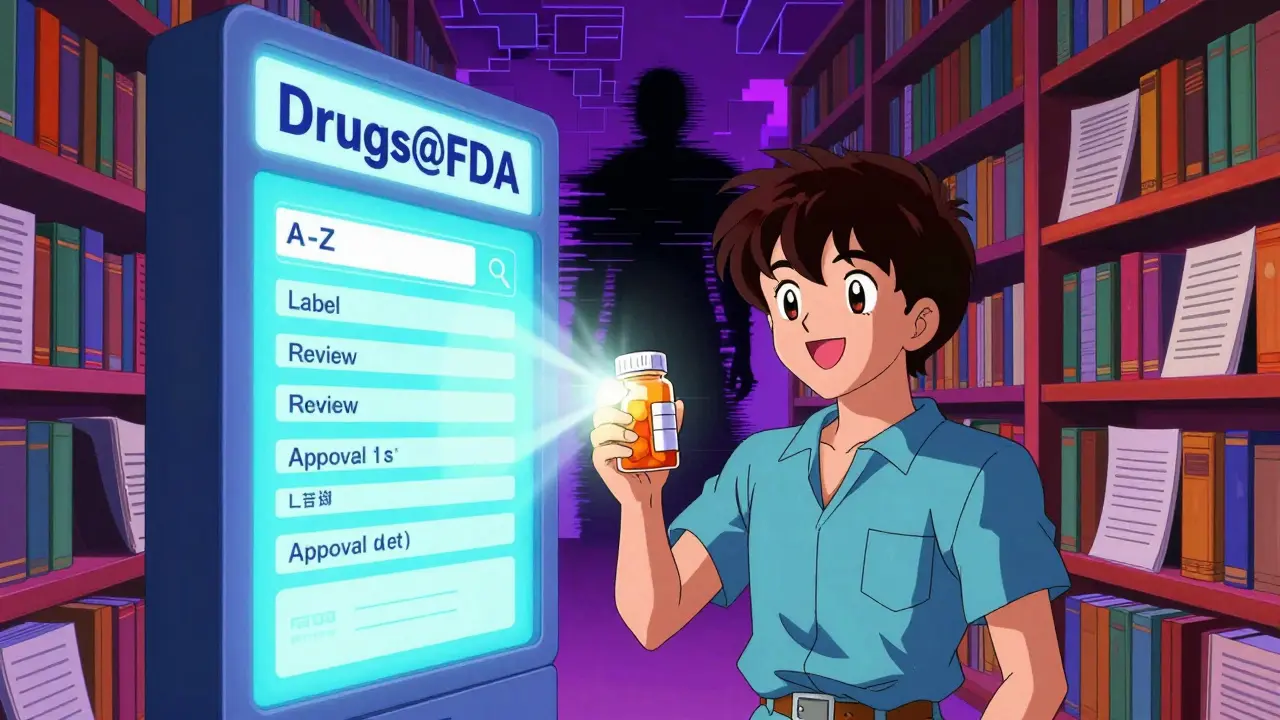
On the Drugs@FDA homepage, you’ll see an A-Z index labeled “Drug Name.” Don’t use it unless you’re looking for brand names only - and even then, be careful.
The A-Z search only returns exact matches for brand names. If you search for LISINOPRIL there, you won’t see Prinivil, Zestril, or Zestoretic. It won’t find the generic version at all. It’s like searching for “Ford” and expecting to see “Mustang” or “F-150” - you won’t.
This is a common mistake. Even experienced users get tripped up. The FDA’s own training materials warn about it. Always use the main search box unless you’re specifically looking for a brand name and you’re sure it’s spelled exactly right.
How Drugs@FDA Compares to Other FDA Databases
Drugs@FDA isn’t the only FDA drug database - but it’s the most complete for regulatory history. Here’s how it stacks up:
| Database | What It Covers | Best For | Limitations |
|---|---|---|---|
| Drugs@FDA | Full approval records since 1939, including labels, reviews, and correspondence | Regulatory history, approval date, official documents | No detailed patent info; limited section-level label search |
| FDALabel | Full-text searchable drug labels (SPL documents) | Finding specific sections like “Warnings” or “Adverse Reactions” | Only covers labels from 2009 onward; no approval letters or review docs |
| Electronic Orange Book | Therapeutic equivalence, patents, exclusivity for generics | Checking if a generic is approved as equivalent | Doesn’t cover brand-name-only drugs or biologics |
| Purple Book | Biological products (like insulin, vaccines, monoclonal antibodies) | Tracking biosimilars and biologics | Doesn’t include small-molecule drugs like aspirin or metformin |
Here’s the rule of thumb: If you want to know when a drug was approved and what the FDA said about it - use Drugs@FDA. If you need to search for a specific warning in the label - go to FDALabel. If you’re checking if a generic is interchangeable - check the Orange Book.
Who Uses This and Why
Pharmacists use Drugs@FDA every day to answer patient questions without calling the FDA. One pharmacist told the agency, “It puts all that information at my fingertips. I don’t have to make a call anymore.”
Doctors use it to confirm whether a new drug has been officially approved - especially when they hear about it from a rep or see it advertised. Researchers use it to build systematic reviews. Patients use it to check if their medication is generic or brand, and whether it’s been on the market for years or just weeks.
It’s also a tool for industry. Pharmaceutical companies monitor their competitors’ approvals. Lawyers check approval dates for litigation. Even journalists use it to verify claims about drug safety or timing.
Common Mistakes and How to Avoid Them
Even simple searches can go wrong. Here are the top mistakes - and how to fix them.
- Mistake: Searching for “Lisinopril” in the A-Z index and getting no results. Fix: Use the main search box instead.
- Mistake: Expecting to find animal drugs. Fix: Animal drugs are in a separate database: Animal Drugs@FDA.
- Mistake: Thinking all drugs have full documents. Fix: Drugs approved before 1998 have limited records - often just the approval date and name.
- Mistake: Assuming the label in Drugs@FDA is the same as the one on the pharmacy shelf. Fix: The label here is the official FDA-approved version. Pharmacies sometimes print condensed versions - always refer to the FDA document for legal and clinical accuracy.
Getting Started: A Simple Workflow
Here’s how to use Drugs@FDA like a pro:
- Know what you need. Are you looking for the approval date? The full label? The review summary?
- Choose your search term. Use the brand name, generic name, or application number. Avoid the A-Z index.
- Search. Type it into the main box and hit Enter.
- Click the right result. Look for the drug name, manufacturer, and approval date. If there are multiple versions, pick the one that matches your needs.
- Download the documents. Click on “Label,” “Review,” or “Approval Letter” to view or save the PDF.
That’s it. No login. No fee. No waiting.
What’s Next for Drugs@FDA?
The FDA is continuously improving its digital tools. In recent years, they’ve added direct links between Drugs@FDA, FDALabel, and the Orange Book. That means if you’re viewing a drug label in FDALabel, you can click through to the full approval package in Drugs@FDA.
The database now serves over 500,000 unique users every month. That’s more than most government databases. And with the 21st Century Cures Act pushing for more open data, expect more integration, better search filters, and faster loading times in the coming years.
For now, it’s already the most powerful tool you have to understand how drugs get approved in the U.S. - and what the FDA really thinks about them.
Is Drugs@FDA free to use?
Yes, Drugs@FDA is completely free and open to the public. No registration, no login, no fees. You can search, view, and download all documents without any cost.
Can I find generic drugs on Drugs@FDA?
Yes. Drugs@FDA includes both brand-name and generic drugs. Generic drugs are listed under their active ingredient and are identified by an ANDA (Abbreviated New Drug Application) number. You can also see which brand drug they’re copying.
Why can’t I find my drug on Drugs@FDA?
There are a few reasons. The drug might be for animals - those are in Animal Drugs@FDA. Or it might be a new drug approved within the last 24-48 hours - it takes time to process. Or you might be using the A-Z search instead of the main search box. Try searching by active ingredient or application number if the brand name doesn’t work.
Does Drugs@FDA include over-the-counter (OTC) drugs?
Yes. OTC drugs that went through the FDA’s New Drug Application (NDA) process are included. This includes many popular pain relievers, allergy meds, and heartburn treatments. But drugs approved under the OTC monograph system (like basic antacids) may not have full documentation here.
Are the documents on Drugs@FDA official and legally valid?
Yes. The documents you download - labels, approval letters, review summaries - are the exact versions submitted to and approved by the FDA. They’re legally recognized as the official record of the drug’s regulatory status.





Used this database last week to check if my generic metformin had the same approval timeline as the brand. Turned out it did - and I saved $40 a month. Free government tools like this are why I still believe in public infrastructure.
Stop paying for third-party apps that charge for info the FDA gives away for free.
OMG I literally just found out about this yesterday and I’m already obsessed. I’ve been Googling my meds for years and getting sketchy blog posts - now I can see the actual FDA review docs with the scientists’ notes. It’s like watching a drug’s origin story.
Also, the fact that you can download the approval letters? That’s wild. I printed mine and stuck it in my pill organizer. My pharmacist thought I was crazy. I told her I’m just being responsible.
Biggest tip I’ll give: always search by active ingredient if you’re comparing generics. Brand names are messy - companies change them every few years. But metformin? That’s always metformin. Even if it’s sold as Glucophage, Metformin XR, or some CVS house brand.
And skip the A-Z. It’s a trap. I wasted 20 minutes once because I typed ‘Lisinopril’ there. Nothing. Then I used the main search and got 14 results. Lesson learned.
Okay but why does this even exist? Like, if the FDA is so transparent, why is the interface still stuck in 2007? The design is a nightmare. No mobile optimization, no autocomplete, no filters. And don’t even get me started on the PDFs - they’re scanned images from fax machines.
It’s not that the info isn’t there - it’s that they don’t care if you can actually use it. This isn’t transparency. It’s performative transparency. They want to look good, not help people.
Drugs@FDA is the definitive source for regulatory documentation. All documents are legally binding and reflect the FDA’s official position.
For clinical decision-making, legal compliance, or academic research, this database is non-negotiable. Other sources may summarize or interpret. This provides the primary record.
Always verify against Drugs@FDA before citing approval dates or label language in professional settings.
Used this for my mom’s new blood pressure med. Found the exact approval letter and the review where they flagged the kidney risk. Showed it to her doctor. He said we were right to check.
It’s quiet power. No fanfare. Just facts.
Good to know the government still does something right.
I’m from Nigeria and I’ve been using this for my research on antimalarial drug approvals. The fact that this is free and open means so much to global health workers. We don’t always have access to paid databases.
Thank you FDA for making this available. I shared it with my colleagues in Ghana and Kenya. We’re all using it now.
There’s something deeply human about reading the FDA’s review comments - the little notes where scientists say ‘this is promising but we need more data on elderly patients’ or ‘the side effect profile is acceptable given the severity of the condition.’
This isn’t just a database. It’s a record of how medicine is judged - not by marketing, but by evidence. It’s a quiet form of accountability.
Most people don’t know this exists. But those who do? They never go back.
I teach pharmacy students and I make them use Drugs@FDA on day one. No textbooks. No summaries. Go straight to the source.
One student found a generic version approved 12 years ago but never marketed - turned out the company shelved it because of low demand. That’s the kind of insight you only get here.
It’s not just a tool. It’s a mindset.
Just looked up my ADHD med. Found the original review where the FDA said ‘risk of psychosis is low but present in adolescents.’ That’s not on the pharmacy label. That’s buried in the review doc.
Now I know why my doctor asked about my family history of mental illness before prescribing. This isn’t just info - it’s context.
Everyone should know this exists.
While the database is technically functional, its lack of API access, structured data exports, and inconsistent metadata tagging renders it inadequate for modern data analysis workflows.
It is a relic masquerading as a tool. The FDA’s commitment to transparency is undermined by its failure to modernize the infrastructure that enables it.